
Bulletin Builder
Step 1: Select Product(s) to View
(NOTE: some products are not available for all cycles. For those, data from the closest available cycle will be displayed)
Operational Products
Step 2: Select Stations to View
You can select stations by doing any combination the following:
- Type in WMO call letters (separate multiple stations with commas).
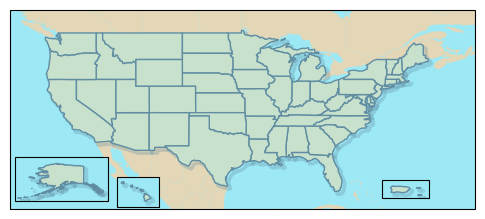
- Use the map or buttons below to get stations from a given state.
- Select the stations from the checkbox list below. When you are done selecting stations, press View Bulletins or View + Download.
Select by Text InputSelect by StateSelect from Dropdown
Select State/Territory:
Select Stations:
Get Text Bulletins
Obtain text bulletins in separate window or copy link to clipboard:
(** If all stations are visible and download fails, clear stations and try again or refresh the page and try again.)