Remnant moisture from Tropical Storm Rachel will persist over portions of the Great Basin and Southwest on Monday, bringing a potential heavy to excessive rainfall risk. Well above average and potentially record breaking temperatures will develop across the Plains and Midwest early this week, spreading into the Lower Mississippi Valley and Southeast midweek. Read More >
COMET Interactive Online Class Through Meted.ucar.edu
https://learn.meted.ucar.edu/#/curricula/0302af65-dcad-4841-87a8-77014473fe29
NOTE: You will need to create a MetEd Account to access! Upon completion of this class, our office will be notified and you will be presented with a certificate to download. There is nothing more for you to do once you complete this training. We only ask that you identify yourself as a trained spotter when reporting to our office. We do not issue spotter ID numbers and you do not need to register with our office.
Train at Anytime! Recorded Local Virtual Spotter Training Presentation
In Person Training Schedule
2027 in-person training schedule will be posted by end of January 2027
Local Virtual Training Schedule and Registration
2027 virtual spotter training schedule will be posted by end of January 2027
These sessions will last between 60 to 90 minutes. Attendees will be able to post questions into the questions box on the webinar application. We will do our best to answer as many questions as possible, but may be limited by time constraints. All sessions are the same presentation. This is just to offer the training on multiple dates.
Frequently Asked Questions
Storm Spotter Resources: weather.gov/skywarn
SKYWARN name and logo are trademarked: SKYWARN® is a registered trademark of NOAA's National Weather Service. Please read the rules for the usage of the SKYWARN® name and logo.
 |
Instructions for printing your Skywarn™ completion certificate online NOTE: This certificate does NOT "certify" you as trained spotter. It does NOT provide you "official" affiliation with the NWS or NOAA. This certificate does NOT grant you permission to violate traffic laws, enter restricted areas, or trespass on private property. |
| Your Name |
Code |
Supplemental Resources



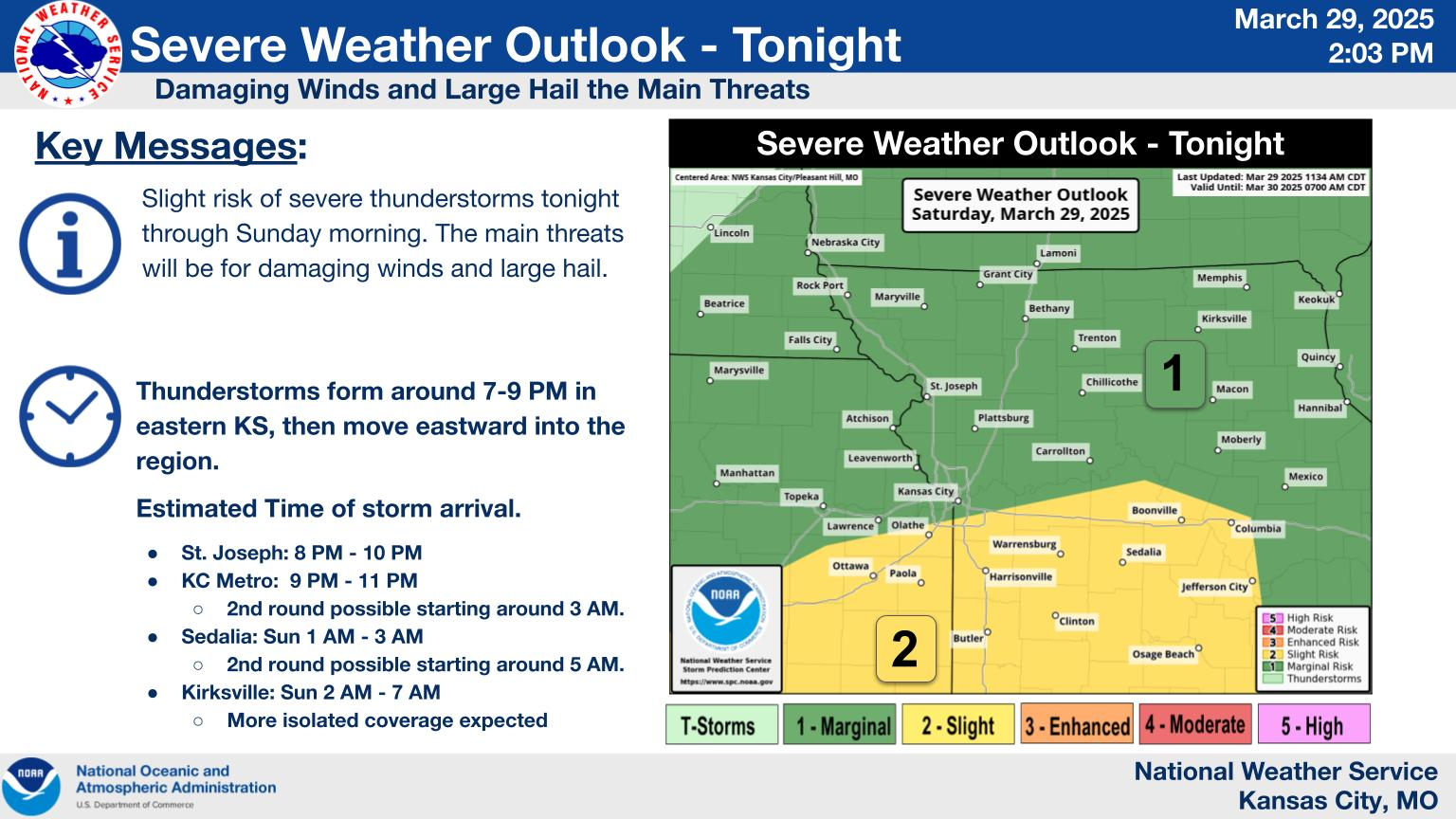 Weather Story
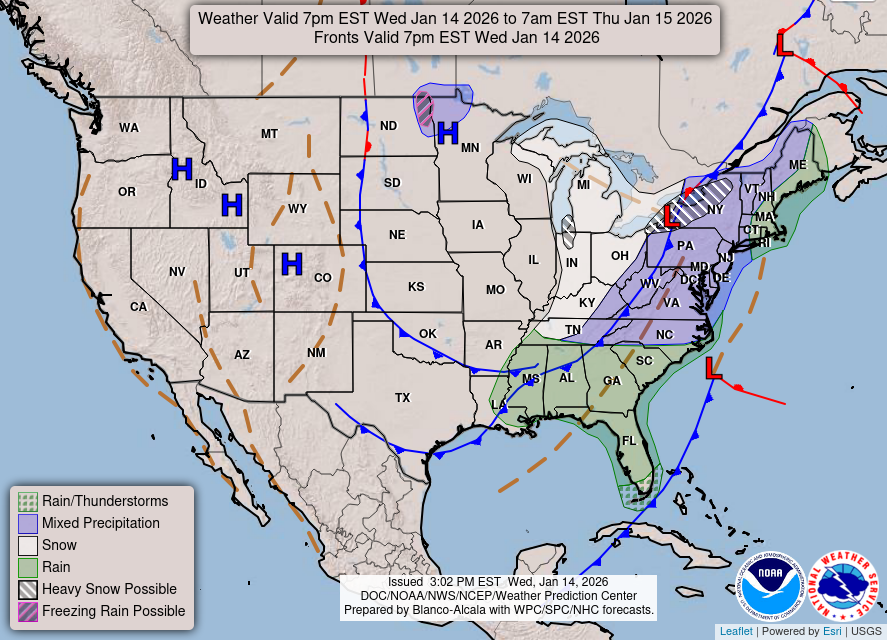 Weather Map
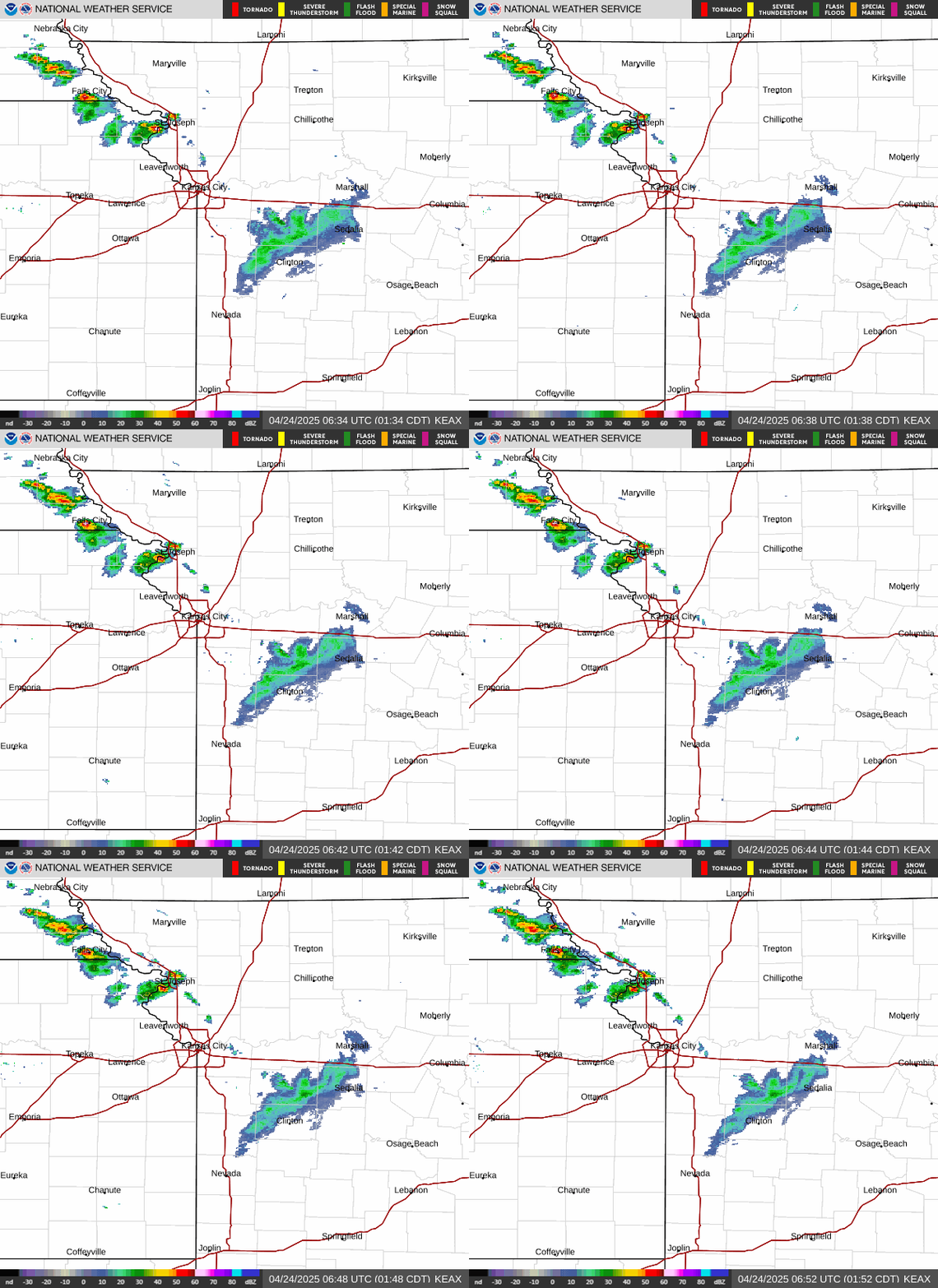 Local Radar
 Follow us on X
 Follow us on Facebook
 Follow us on YouTube
 EAX RSS Feed